Visual Regression Testing Tools

💡 “A single pixel mismatch can break user trust faster than a crash.”
About 88% of users stop using apps or websites due to poor user experience (Forrester). Moreover, about 60% of churn happens due to improper UI/UX in the respective software / App. Even tiny UI glitches, like a button alignment or text overlapping, can eradicate trust. That’s why Visual Regression Testing Tools have become a critical part of modern QA workflows.
What is Visual Regression Testing?
Visual regression testing is a type of software testing that compares an application’s current UI against a baseline version to detect unintended visual changes. Software testers generally flag those changes as bugs and sent to the development team so that they can be rectified before the application hits production.
Example Scenarios:
- A login button is misaligned after a CSS change.
- Checkout flow layouts are breaking on mobile after feature updates.
- Brand colors or fonts were altered unintentionally during deployment.
- Image or icon distortion across browsers and screen resolutions.
Importance of Visual Regression Testing
Visual Regression Testing is important for various reasons. Below are some of the reasons cited that denotes the importance of Visual Regression testing:
Design Consistency
As Applications undergo constant updates, it is necessary to maintain design consistency across different versions. Any small misalignment in the interface might cause usability issues as well as a decline in customer satisfaction. Thus, to preserve design consistency across releases, good usability, and top customer satisfaction, visual regression testing is important.
Detects UI breakages early before customers see them
When an application hits production with a visual bug, there will be a breakage in the UI/UX interface. This can result in high costs in rectifying the Bug. It is necessary to detect the UI Breakages before they reach the end user.
Reduces the manual effort of visual inspection
Adopting a Visual regression Tool can completely reduce the manual effort that is required for Visual Inspection. Many Visual Bugs can get missed during manual inspection, which leads to a buggy application in production.
Ensures cross-browser compatibility
Sometimes UI breaks happen only on specific browsers as well as device combinations. This is where Cross-Browser testing comes into play. In cross-browser testing, Software testers test the application under different browser combinations as well as devices.
Test Automation Tools like DevAssure help QA teams to test applications across various devices as well as browser combinations.
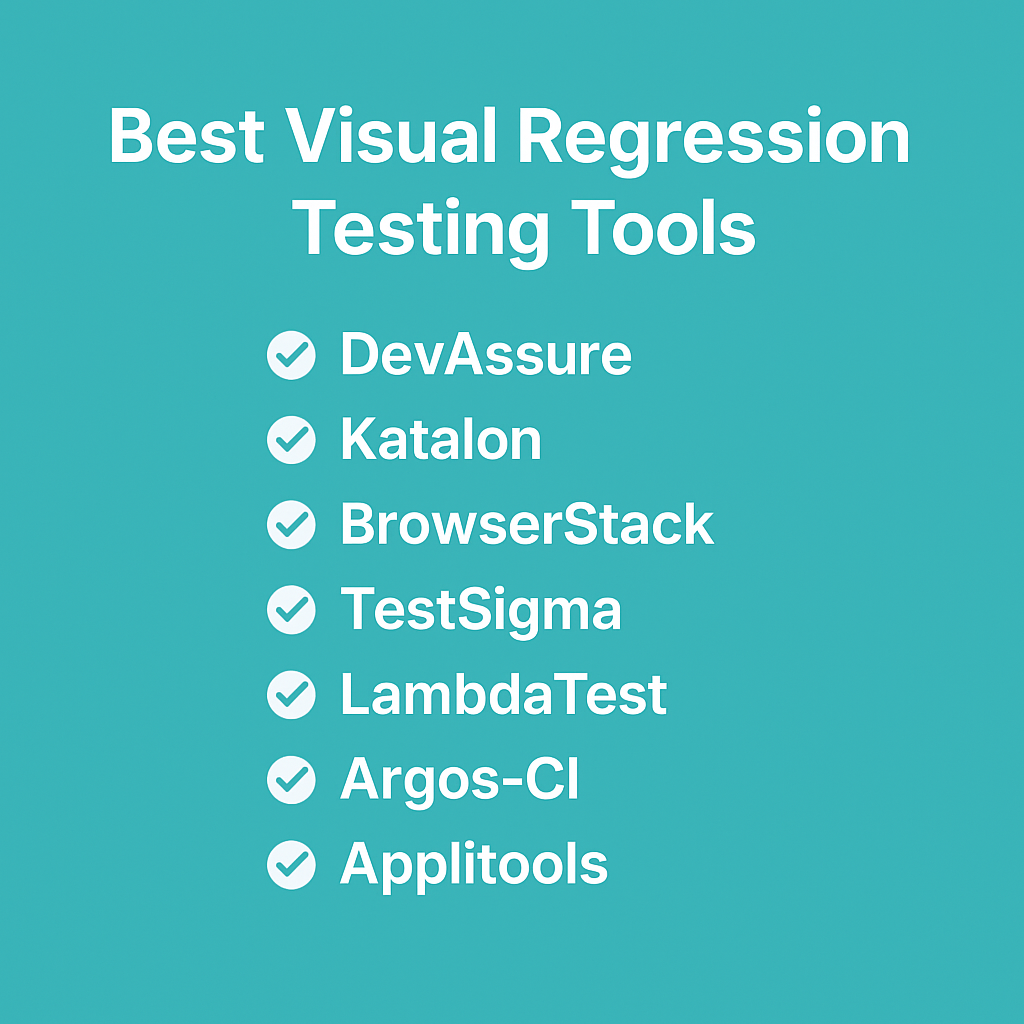
Best Visual Regression Testing Tools
Here’s a breakdown of the top visual regression testing tools with their key features:
1. DevAssure O2 — Autonomous Agent (Visual + UI Flows)
DevAssure O2 catches UI regressions at pull-request time — the agent generates and runs tests from the diff, so you are not maintaining a separate visual baseline library for every component change.
On the full DevAssure platform, teams also run dedicated visual testing alongside Web, API, and Mobile in one workflow.
Key capabilities:
✅ PR-native validation — UI flows exercised when the diff touches them
✅ Autonomous generation — no hand-authored visual scripts for every PR
✅ GitHub Action + IDE — same agent in CI and Cursor/VS Code
✅ Platform visual mode — pixel comparisons and baselines when you need explicit visual regression suites
Why use it? Teams tired of AppliTools-style maintenance on fast-moving front ends start with O2 on every PR, then add platform visual suites for release gates.
🚀 See how DevAssure accelerates test automation, improves coverage, and reduces QA effort.
Ready to transform your testing process?
2. Katalon
Katalon offers visual validation as part of its test automation suite, making it ideal for teams already using Katalon Studio.
Key Features:
✅ Automated screenshot capture & comparison.
✅ Integrated functional + visual testing in one platform.
✅ Easy CI/CD pipeline integration.
✅ Supports cross-browser execution.
✅ Centralized test management dashboard.
3. BrowserStack
BrowserStack provides cloud-based visual regression testing across 3000+ real browsers and devices.
Key Features:
✅ Real-device testing for true-to-life UI rendering.
✅ Automated screenshot generation across multiple environments.
✅ Smart visual diffing for quick anomaly detection.
✅ Parallel test execution for faster validation.
✅ Integration with Jira, Slack, and CI/CD tools.
4. TestSigma
TestSigma is a no-code automation tool that extends its capabilities to visual regression testing.
Key Features:
✅ AI-powered no-code test creation.
✅ Automatic visual UI validations during test runs.
✅ Runs tests on cloud or on-premise infrastructure.
✅ Cross-browser & mobile device testing.
✅ Collaboration-friendly with shared dashboards.
5. LambdaTest
LambdaTest is a cloud-based testing platform with powerful visual regression capabilities.
Key Features:
✅ Smart screenshot comparison across browsers.
✅ Cross-browser testing on 3000+ environments.
✅ Parallel test execution for efficiency.
✅ Integration with CI/CD pipelines and bug tracking tools.
✅ Pixel-by-pixel visual diffs for accuracy.
6. Argos-CI
Argos-CI is an open-source tool designed for CI/CD workflows, especially GitHub users.
Key Features:
✅ Runs visual regression checks in pull requests.
✅ Stores and manages screenshot baselines.
✅ Provides visual diffs directly in GitHub UI.
✅ Lightweight, easy to configure with CI/CD pipelines.
✅ Cost-effective for startups and open-source projects.
7. AppliTools
AppliTools is a market leader in AI-powered visual regression testing.
Key Features:
✅ Visual AI – Detects differences intelligently, ignoring irrelevant rendering changes.
✅ Cross-platform coverage across browsers, devices, and operating systems.
✅ Dynamic UI handling – Works with responsive design layouts.
✅ Integrates with Selenium, Cypress, Playwright, and CI/CD pipelines.
✅ Collaboration dashboards for team-wide visibility.
How DevAssure O2 Stands Out from the Rest
Pixel-diff tools need baselines you maintain. O2 needs only the PR:
🤖 Autonomous agent — diff → tests → run → report on the pull request
🌐 Web + mobile flows — validation when UI code changes, without a separate visual-only repo
🖼 Platform visual mode — explicit baselines on DevAssure when release gates require them
♿ Accessibility + API — same platform for omnichannel teams
🚀 Try O2 free — GitHub Marketplace
With AI-agentic orchestration and no-code simplicity, DevAssure helps teams deliver faster, more reliable, and visually perfect software.
Conclusion
Visual Regression Testing Tools are essential for catching UI inconsistencies early and ensuring a seamless user experience.
- For open-source lovers → Argos-CI.
- For AI-powered enterprise precision → AppliTools.
- For cloud-first scalability → BrowserStack & LambdaTest.
- For no-code simplicity → TestSigma & Katalon.
- For complete omnichannel assurance → DevAssure.
🚀 If you want an AI-powered, no-code, all-in-one testing platform, DevAssure is the ultimate solution. It goes beyond visual regression testing to deliver end-to-end quality assurance.
🚀 See how DevAssure accelerates test automation, improves coverage, and reduces QA effort.
Ready to transform your testing process?
Frequently Asked Questions (FAQs)
Visual regression testing is a process that compares the current UI of an application against a baseline version to detect unintended visual changes such as misaligned buttons, broken layouts, or altered brand styles.